How APIs Handle Vehicle Location Data Security

How APIs Handle Vehicle Location Data Security
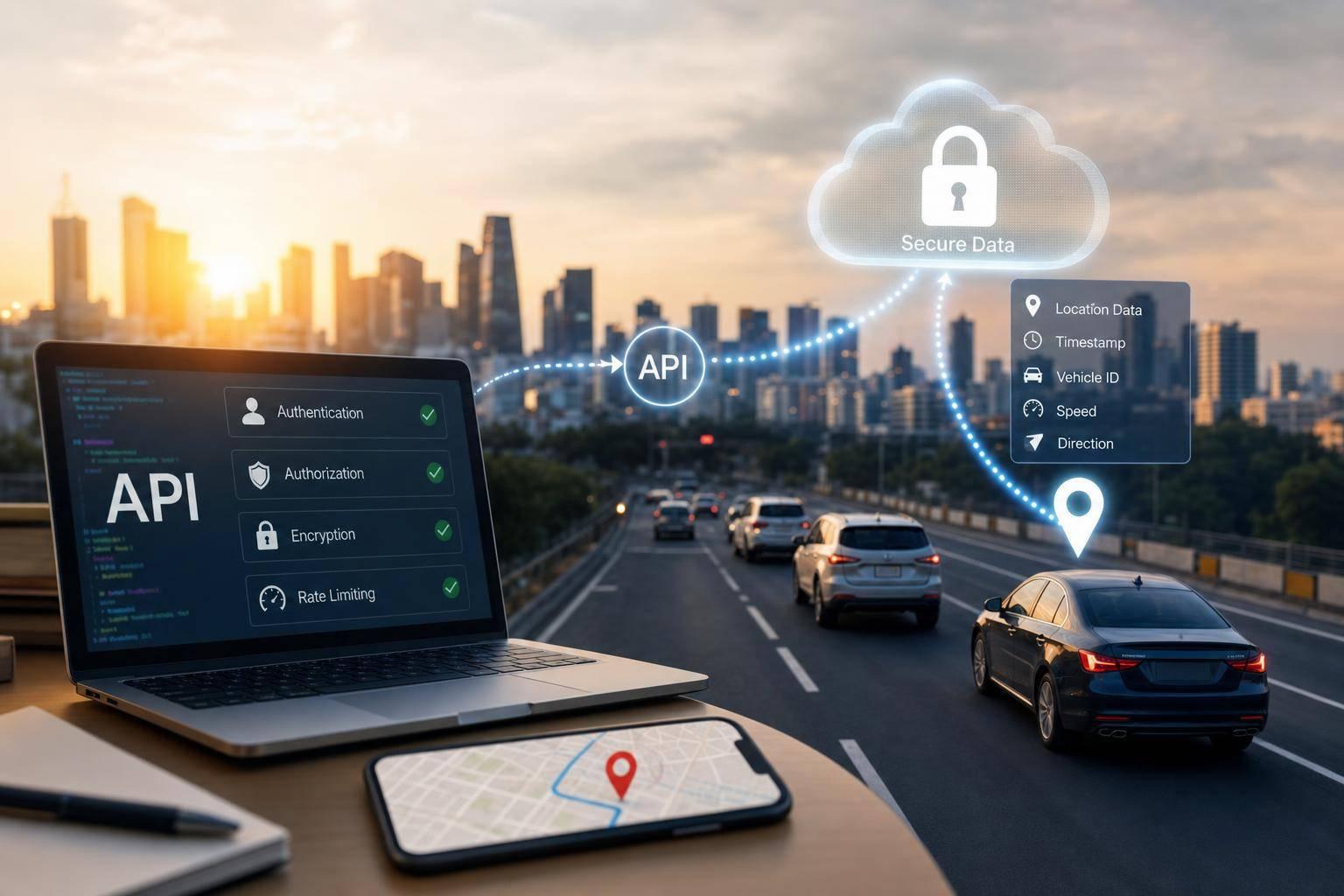
If a location API fails, live GPS data, trip history, and geofence events can end up in the wrong hands. I’d lock this down with five controls: least-privilege access, encrypted traffic and storage, short-lived identity tokens, audit logs, and usage monitoring.
Here’s the short version:
- Limit access by role, vehicle, and time range
- Keep read access separate from vehicle-control actions
- Use TLS 1.2 or TLS 1.3 for data in transit
- Encrypt stored trip and route data with strict key handling
- Use OAuth 2.0, token rotation, and mTLS for high-trust links
- Store secrets in a vault, not in apps or browser code
- Rate-limit login and lookup endpoints
- Log every location request
- Watch for odd patterns, like one key pulling many VINs in minutes
- Keep data only as long as needed and log user consent
About 95% of API security issues trace back to weak access control, based on OWASP API Security findings often cited across the industry. And IBM’s long-running breach reports have shown that stolen credentials and cloud misconfigurations stay near the top of breach causes year after year. So if I’m securing vehicle location data, I’d start with access rules and identity before anything else.
This article lays out the main controls in plain English, from collection and transit to storage, access, retention, and third-party API use.
Vehicle Location API Security: 5 Core Controls at a Glance
Ensuring API Security in Connected Vehicles - DevConf 2025
sbb-itb-9525efd
Design the API for least-privilege access
Stolen credentials and weak authorization are the biggest risks here, so least privilege needs to be the starting point. Scope every request by role, vehicle, and time range. That way, each person sees only the data they need to do the job - nothing more.
Use RBAC and per-vehicle authorization rules
Use RBAC to assign access by role. A dispatcher needs live data for assigned vehicles. Maintenance needs diagnostics for a specific vehicle. Analytics needs anonymized history. On top of that, enforce authorization at both the vehicle and fleet level with organization-scoped API keys and per-vehicle roles.
Once access is limited by role and vehicle, draw a hard line between what users can view and what they can change.
Separate telemetry access from control actions
Keep read-only telemetry separate from write actions. Live coordinates and route history should sit in read scopes. Immobilization and other vehicle-state changes should sit in write scopes.
API Role / Scope Allowed Operations Risk Level Telemetry (Read-Only) Live coordinates, odometer readings, EV status Low to Medium Historical (Read-Only) Route history, past trips, geofence logs Medium Vehicle Control (Write) Remote engine immobilization, vehicle-state changes High Administrative Manage API keys, user roles, organization settings Critical
Even when a request is allowed, you still need a paper trail.
Add audit logs for every location request
Use immutable logs so every request records the operator, vehicle or fleet ID, endpoint, and timestamp. If someone checks who accessed a vehicle’s location data, the answer should be right there in black and white. These logs also provide audit evidence for standards such as UNECE WP.29, SOC 2, and ISO 27001.
After access control and logging, the next step is protecting the data itself in transit and at rest.
Encrypt vehicle location data in transit and at rest
Once you’ve locked down access and logging, encryption is the next layer. It helps protect location data if network traffic gets exposed or stored data ends up in the wrong hands. For vehicle location data, that means both data in transit and data at rest.
Protect API traffic with TLS 1.2 or TLS 1.3
Use TLS 1.2 or TLS 1.3 for all vehicle, app, and API traffic to protect live location data while it moves between systems [5].
If live coordinates are traveling from a vehicle to an API, or from an app to the cloud, TLS is the baseline. It helps block interception during transit and should be in place across the full path.
Encrypt stored route history with strong key management
Encrypt route history and stored coordinates with strong key management and FIPS-validated cryptography for route history and stored coordinates [5].
Before applying encryption controls, map out where vehicle location history, backups, and sensitive files are stored. That step matters more than it sounds. If you miss a backup bucket or archived database, you leave a hole in the system.
In regulated environments, FIPS-validated cryptography can help meet government-approved cryptographic standards and line up with requirements under frameworks such as UNECE WP.29 and SOC 2 [5].
Match encryption to the telemetry path
Not every part of the telemetry flow needs the same control. Vehicle-to-API traffic, cloud processing, and storage each have different weak spots, so the encryption method should fit the point of exposure.
Encryption Layer Threats Mitigated Implementation Complexity Telematics Use Case TLS (Transport Layer) Interception during transit between vehicle, API, and cloud Low All API traffic; standard for live coordinates and status updates Application Layer Unauthorized access within the application or cloud environment High Sensitive telematics payloads requiring FIPS 140-2 compliance Storage Encryption Physical storage theft, unauthorized storage access, backup exposure Medium Route history and stored vehicle location data at rest
For most real-time telemetry flows, TLS protects data in motion. Application-layer encryption makes sense when sensitive payloads need protection beyond the transport layer. Storage encryption covers route history and other saved location records. The key is simple: match the control to where telemetry is exposed.
"Data security doesn't start with encryption... in sensitive domains, security is not an IT afterthought. It's a product and process decision made at the moment data is collected." - Dagmara Nowak-Trzepałka [5]
Secure authentication, credentials, and API sessions
Once transport and storage are locked down, the next layer is identity. Encryption protects data in motion and at rest. But it won't stop someone from getting in if access controls are weak. Authentication decides who can reach live vehicle location data and what they're allowed to do with it.
Use OAuth 2.0, short-lived tokens, and mTLS where needed
OAuth 2.0 cuts down credential exposure by issuing short-lived access tokens that expire on their own, which shrinks the window of exposure if a token is compromised [2][3].
To keep active sessions from breaking, set up an OAuth 2.0 refresh token flow. That allows your application to request a new access token in the background before the current one expires. For machine-to-machine calls, use service identity instead of shared secrets when you can.
For high-trust vehicle-to-cloud links, use mTLS to verify both sides with certificates. That way, neither side can pretend to be the other.
The goal is auditable, least-privilege access. Not just a successful login.
Store secrets safely and restrict credential misuse
Never place API keys or client secrets in browser or app code. That's one of the easiest ways to leak them.
Instead, keep secrets in a managed secret store or vault. Then bind credentials to approved IPs or services, so a stolen secret can't be used from some random place. Add a regular rotation schedule too. If something leaks, the damage window stays smaller.
Rate-limit and monitor authentication endpoints
Authentication endpoints are common targets for brute-force and credential stuffing attacks. Rate limiting helps slow those attempts by throttling repeated failures. You should also watch for brute-force and credential-stuffing patterns, then alert on unusual activity.
Taken together, these controls help keep access to location data tied to a verified identity, not just possession of a token.
Use the table below to match the method to the integration.
Authentication Method Credential-Theft Resistance Vehicle Fit Best Fit API Keys Low - static, easily leaked High - simple to implement Prototyping or low-risk server-to-server OAuth 2.0 High - short-lived tokens Medium - requires token management Mobile apps and third-party integrations mTLS Very High - certificate-based High - ideal for hardware-embedded IDs Vehicle-to-cloud or high-trust backend links
For most developer integrations, OAuth 2.0 is the right place to start. Save mTLS for cases where device identity must be cryptographically guaranteed, not just assumed.
Monitor usage, enforce privacy rules, and secure integrations
Monitor for unusual location access patterns
Once authentication is in place, the next step is simple: watch for misuse.
Set alerts for patterns that look off. For example, a single key pulling data for many vehicles in a short period, repeated VIN lookups from an unfamiliar IP address, or access late at night from a system that normally runs only during business hours [3] [4].
VIN-level rate limits help shut down heavy lookup activity before it turns into a data leak [3].
When an alert fires, don’t just inspect the request itself. Check retention settings and consent records too, so you can see whether access matched what was approved before the issue spreads.
Limit retention and document consent-based access
Keep data only as long as you need it for the job at hand, then remove old records on a set schedule.
Just as important, log the details behind consent:
- Who approved collection
- What they approved
- When they approved it
That gives your team a clear record if questions come up later.
Apply the same controls across CarsXE API integrations
The same rules should apply to third-party services too.
If your stack includes CarsXE for vehicle data, treat it with the same care you’d give any service tied to location data. Use HTTPS and HSTS on every CarsXE endpoint [3]. CarsXE’s Organizations feature lets you assign specific roles to internal services or team members instead of passing around one shared key, which keeps the audit trail much cleaner [4].
CarsXE also maintains a public trust center that documents compliance with SOC 2 and ISO 27001 [1]. That can make life easier for teams handling internal audit reviews or writing up third-party data practices. And don’t leave those integrations off to the side - bring them into the same monitoring system you use for everything else, so odd access patterns show up in one place.
Core Control Security Objective How It Applies TLS 1.3 & HSTS Confidentiality Encrypts API calls and webhooks in transit [3] RBAC & Org API Keys Integrity / Accountability Restricts access by role and maintains a clear audit trail [4] Real-Time Monitoring Accountability Detects unusual access patterns and triggers alerts Consent Documentation Privacy / Compliance Records who authorized data collection and under what terms SOC 2 / ISO 27001 Compliance Provides a documented baseline for internal and third-party data handling [1]
Conclusion: Key controls for securing vehicle location APIs
Location APIs stay secure only when access control, encryption, identity, monitoring, and retention all work together. Miss one link in that chain - an integration nobody reviewed, an endpoint nobody watches, or a consent record nobody logged - and that’s where exposure starts.
FAQs
What is least-privilege access in a vehicle location API?
Least-privilege access is a security principle that gives users, apps, or processes only the minimum access they need to do a specific job.
In a vehicle location API, that means sensitive location data is shared only with approved parties and only for valid use cases. The goal is simple: keep exposure as low as possible. If someone gets access they shouldn’t have, or if a breach happens, the damage is more limited. It also helps support compliance with privacy rules such as the Drivers Privacy Protection Act.
When should an API use OAuth 2.0 instead of mTLS?
Use OAuth 2.0 when an API needs to authorize user-level access or handle delegated permissions between systems. It works well for blocking unauthorized access across distributed environments.
Use mTLS when the main goal is to verify both the client and server at the transport layer, especially for stricter machine-to-machine authentication.
How long should vehicle location data be kept?
There’s no one-size-fits-all rule for how long you should keep vehicle location data.
The right retention period depends on how your business uses the data and the state and federal privacy laws that apply to you. That matters because vehicle location data can include personally identifiable information.
While you keep that data, protect it with strong security measures. It also helps to maintain audit trails so you can support transparency and meet compliance needs.
Related Blog Posts
- How TLS Protects Vehicle Data in Transit
- Common Access Control Issues in Vehicle APIs
- How Mutual Authentication Secures Vehicle Data APIs
- Checklist for Securing OBD Data Transmission