Get the help you need
Support center
We are committed to providing you with the support you need. Here you can find articles, tutorials, and other resources to help you get the most out of CarsXE.
Talk to support
Chat, email, or book a call
You can chat with us, email info@carsxe.com, or use the meeting scheduler to book a call with our Support team.
Chat with us
Open the in-app chat and message our support team.
Email us
Send a message and we will follow up by email.
Book a call
Use the meeting scheduler to book a call with our Support team.
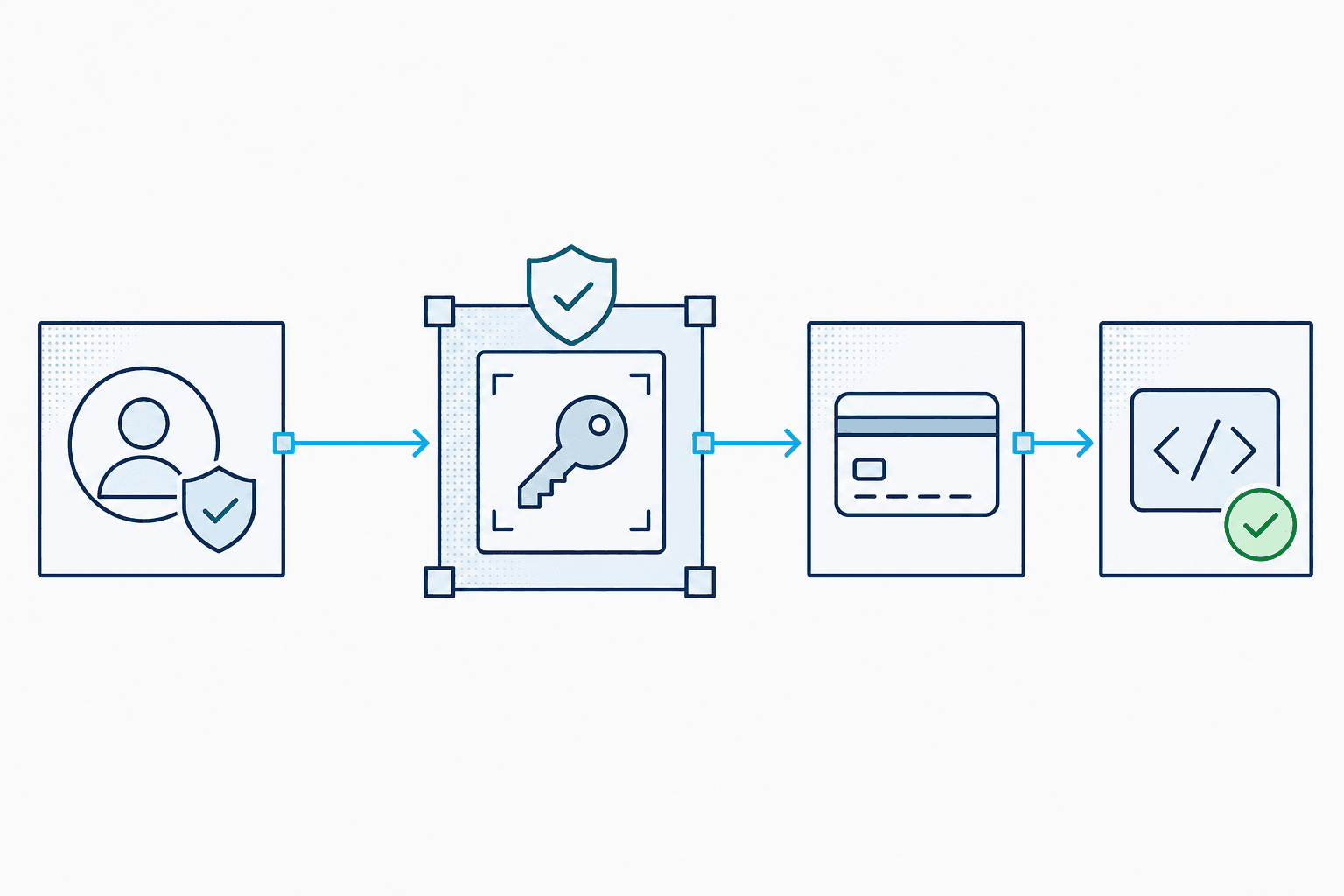
How To Activate Your API Key And Subscription For CarsXE API
Activate your CarsXE API key and subscription in a few simple steps. Start integrating powerful automotive data into your apps today!
View Article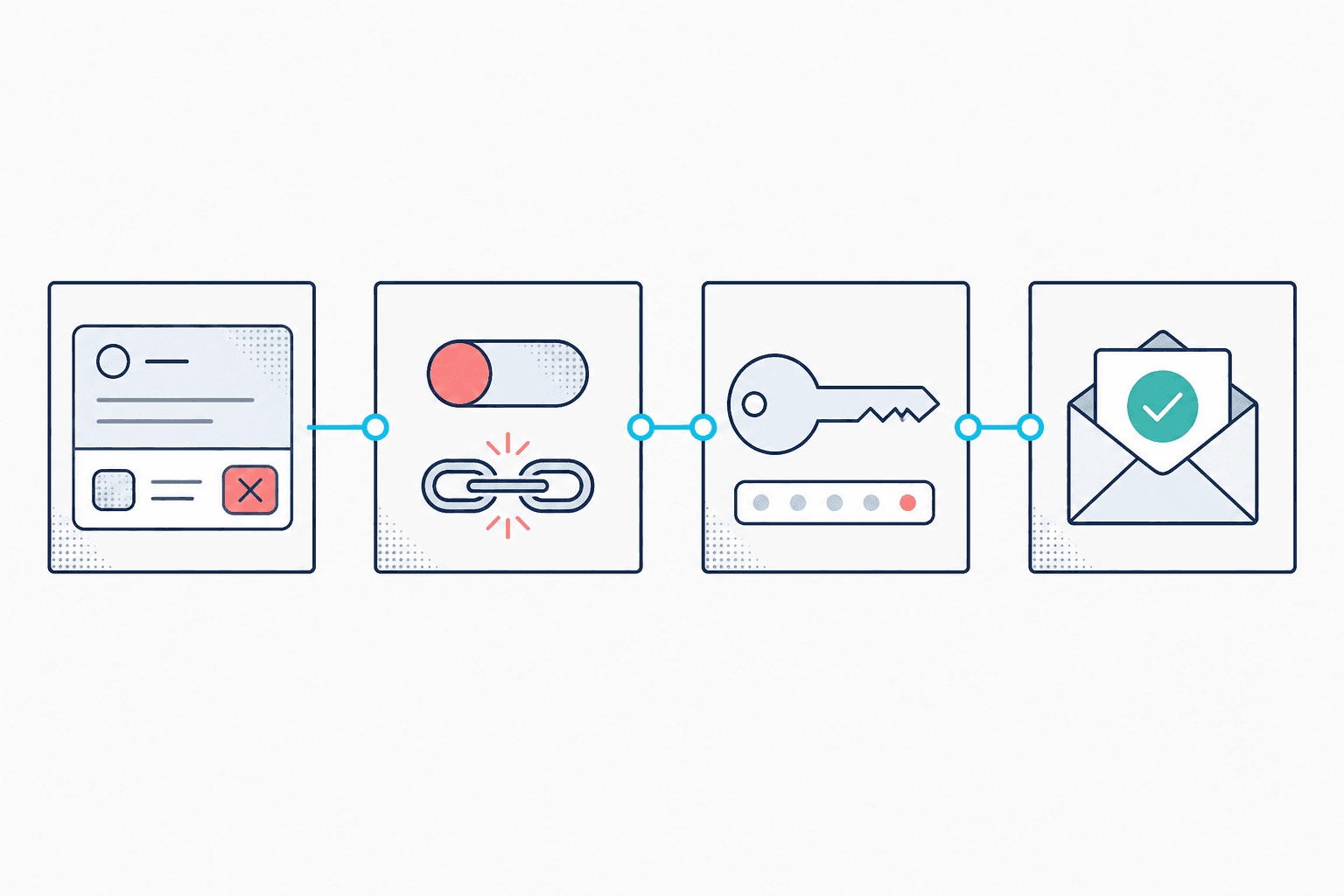
How to Cancel Your CarsXE Subscription and Deactivate Your API Key
Learn how to cancel your CarsXE subscription and deactivate your API key in a few simple steps. Smooth process with email confirmation.
View ArticleMeeting scheduler
Quick Check-In: Your CarsXE Account
Pick a time to book a call with our Support team.
Loading the scheduler
Direct support
Need more help?
If you haven't found the answer to your question, please contact our support team.