Preprocessing Steps for Noise-Free Vehicle OCR

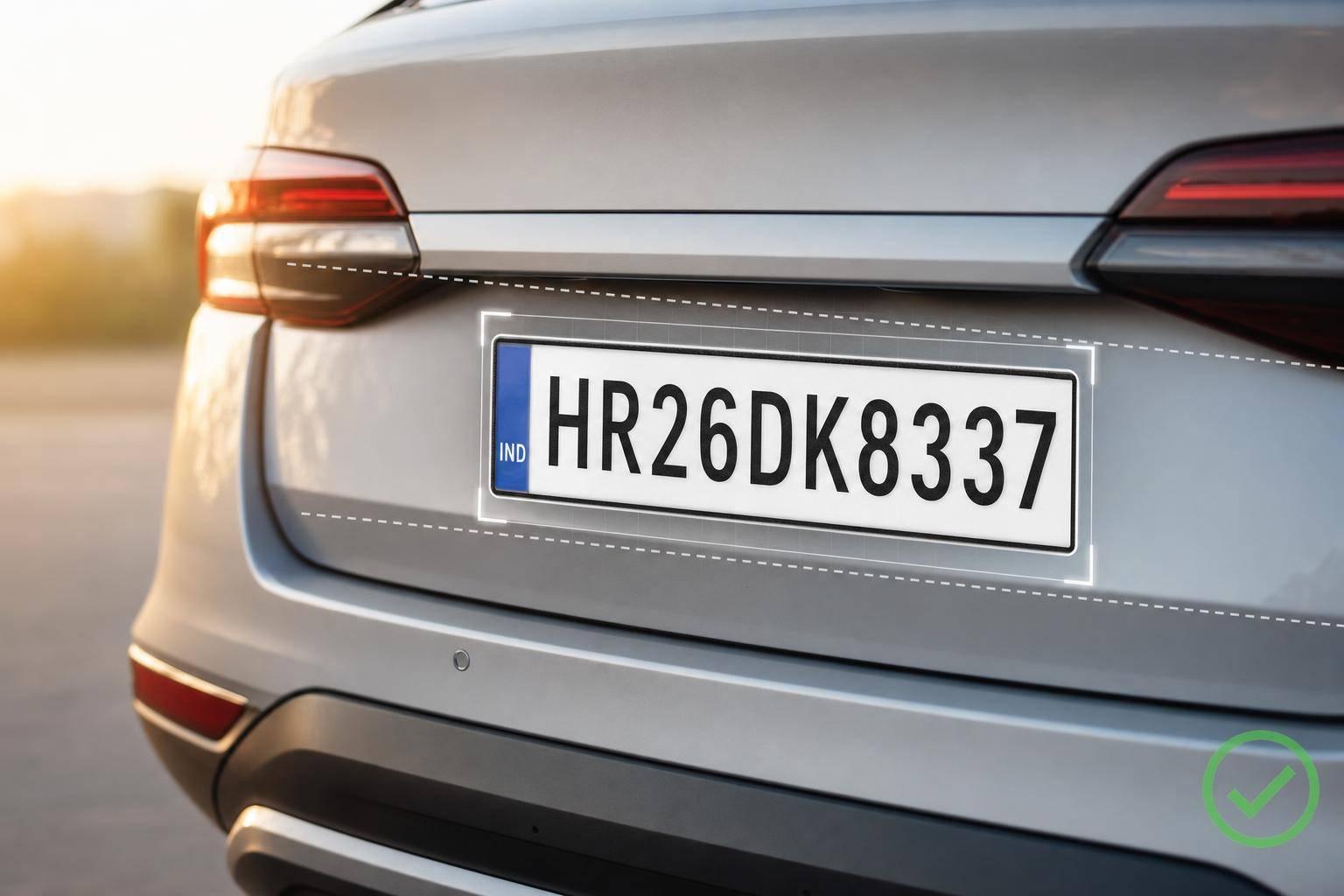
Preprocessing Steps for Noise-Free Vehicle OCR
If I want better vehicle OCR, I clean the image before OCR runs. In most cases, the path is simple: crop the plate or VIN, fix angle and contrast, remove noise, binarize, then reject weak reads with format checks and confidence rules.
Here’s the full idea in one view:
- Crop first so OCR sees only the plate or VIN
- Fix skew and perspective so characters stay even
- Convert to grayscale and use CLAHE for uneven light
- Denoise with care so strokes do not get blurred
- Threshold the image with Otsu or adaptive methods
- Use light morphology to clear specks and reconnect thin breaks
- Upscale small crops to 3× when width is under 120 px
- Check OCR output with confidence scores, VIN rules, and plate format rules
A few numbers matter here. OCR engines often return confidence from 0.0 to 1.0. A common review line is 0.80. For VINs, the output must be 17 characters and must not include I, O, or Q. Those simple checks can stop bad reads before they hit a lookup system.
I’d sum up the workflow like this: clean region, clean contrast, clean binary image, then strict validation. That is what keeps vehicle OCR steady across glare, blur, shadows, rain, and low-detail crops.
Vehicle OCR Preprocessing Pipeline: 4-Step Workflow
License Plate Recognition Using YOLOv4 Object Detection, OpenCV, and Tesseract OCR
sbb-itb-9525efd
Step 1: Isolate the Plate or VIN Region Before Processing
Don’t preprocess the full vehicle image. The whole frame brings in a lot of junk: road texture, body panels, glare, and background signs. None of that helps with plate or VIN reading. Crop the license plate or VIN region first so the OCR pipeline deals with only the part that matters. That keeps processing tighter and cuts wasted compute time.
Use a detector to find the plate or VIN, crop that area, and send just the crop to OCR. In busy frames, detect the vehicle first, then find the plate inside it. If you use CarsXE, use the returned bounding box coordinates (xmin, ymin, xmax, ymax) to crop the image directly[1][2]. After you isolate the crop, check that it’s large enough and clear enough before OCR.
Set Minimum Image Quality Requirements
Check crop quality before OCR. Reject blurry, washed-out, or heavily skewed crops early. It’s a simple filter, but it saves time and avoids bad reads.
If the cropped plate is narrower than 120 pixels, upscale it 3× with cubic interpolation before OCR[4]. If the crop’s confidence or quality score is low, skip OCR.
Correct Rotation and Perspective
A tilted or angled crop can still drag OCR down. Fix horizontal skew and correct perspective so the characters stay evenly scaled across the image. Then send the normalized crop to grayscale conversion and denoising.
Step 2: Convert to Grayscale, Enhance Contrast, and Remove Noise
With the plate or VIN crop already corrected, convert it to grayscale, improve local contrast, and remove noise without softening character edges.
Use Grayscale and Local Contrast Enhancement
Start by converting the crop from RGB to grayscale. This cuts compute and keeps the character shapes OCR depends on.
Next, deal with uneven lighting. CLAHE works well here because it improves local contrast in glare, shadows, and patchy lighting without pushing up background noise. That gives you cleaner separation between characters and background before denoising.
Choose the Right Denoising Filter for Plate Images
Denoising filters don't all behave the same way. Pick the wrong one, and you can blur character edges enough to trigger OCR mistakes, especially with lookalike pairs such as O→0, I→1, and B→8 [4]. The best choice depends on the noise in your images. Reflective plates, dirt, rain, and compression artifacts each react a bit differently.
Filter Noise Type Handled Edge Preservation Speed Best Fit Gaussian Blur Gaussian / random Low - blurs edges Very fast General smoothing of high-quality images Median Filter Salt-and-pepper Moderate Fast Removing speckle from dirty plates Bilateral Filter Mixed noise High Slow Keeping character edges sharp for OCR Non-Local Means Severe noise Very high Very slow Maximum denoising in low-light conditions
A simple rule of thumb:
- Use bilateral filtering by default.
- Use median filtering for speckle.
- Use non-local means when low-light noise is severe and speed matters less.
After denoising, move on to thresholding and cleanup.
Step 3: Binarize and Clean the Image for OCR
After denoising, turn the grayscale image into a binary image. The aim is simple: take the grayscale crop and make it clean enough for OCR to read.
Apply Otsu or Adaptive Thresholding
Otsu thresholding uses one global cutoff. It works best when lighting is even across the plate.
Adaptive thresholding sets local cutoffs for smaller parts of the image. That makes it a better fit when the plate has uneven light, shadows, or glare.
So the rule of thumb is pretty straightforward:
- Use Otsu for evenly lit plates.
- Use adaptive thresholding for uneven light, shadows, or glare.
After thresholding, use morphology to clean up leftover speckles and broken strokes.
Use Morphological Operations to Remove Artifacts
Even after binarization, small artifacts can stick around. Morphological opening removes isolated speckles. Closing helps reconnect broken strokes. The key is not to overdo it. Use the smallest kernel that clears noise without warping the characters.
Check common confusion pairs carefully, such as O vs. 0, I vs. 1, and B vs. 8 [4].
Resize Small Crops Before OCR
If a crop is small, upscale it with cubic interpolation before OCR. If the image is already large enough, leave it alone so you don't add extra processing for no good reason.
After binarization and cleanup, apply the fixed quality checks in Step 4 before production OCR.
Step 4: Validate Output and Put the Pipeline Into Production
Run a Fixed Processing Order and Quality Checks
After cleanup, lock the processing order and check image quality before OCR. That sounds simple, but it matters a lot. A production OCR pipeline stays steady only when every image goes through the same sequence every time.
Use one fixed order:
- crop
- grayscale
- denoise
- contrast
- threshold
- clean
- resize
- OCR
Keeping that order fixed makes results reproducible across large vehicle image sets. It also makes debugging much easier when something breaks.
Before OCR runs, check a few image signals: contrast, blob count, skew, and stroke height. Use the OCR result's success flag and bounding boxes to confirm that the crop was found and is fully in frame. If grayscale variation is low, flag the image. After thresholding, also flag images with lots of tiny blobs. That's usually a sign of dust, glare, or compression noise.
Skew checks matter too. If a frame is too tilted, deskew it or reject it. And if the character strokes are too small, reject the crop before OCR tries to read it. Small strokes often lead to messy output.
After OCR, validate the text against format rules. A US VIN must be exactly 17 characters, must not include the letters I, O, or Q, and must pass a check-digit calculation. US license plates use state-level format rules, and those can be checked in code.
Many OCR engines also return a confidence score between 0.0 and 1.0. In production, a practical rule is to flag results below 0.80 for human review or a second-pass process. CarsXE's VIN OCR can return confidence scores as high as 0.9834 on clear images [1].
Fit Preprocessing Into Vehicle Data Systems
Once the text passes format checks, send it to decoding or lookup. CarsXE fits neatly at this stage. After VIN OCR and format validation, a call to CarsXE's VIN Decoder API can return specifications, market value, history, recalls, and images in one step [2][3].
For plate-based workflows, the CarsXE Plate Recognition and Plate Decoder APIs can work together. In plain English: the system reads the plate string first, then resolves it to a full vehicle record [2][3].
The key is to keep preprocessing focused on one job: producing clean text. Then pass that text to CarsXE for decoding and enrichment.
Conclusion: The Core Steps That Improve Vehicle OCR Accuracy
Once preprocessing and validation are in place, the last lift comes from consistency. More often than not, steady preprocessing matters more than any one tuning tweak.
The core work is pretty direct:
- isolate the correct region of interest
- denoise without damaging edges
- normalize contrast
- binarize with care
- use morphology to remove artifacts
- validate the image before OCR
Clean region, clean edges, clean threshold, clean validation. That's what separates a steady production pipeline from one that slowly drifts over time.
FAQs
How do I know if a crop is too poor for OCR?
Check the confidence score returned by the CarsXE VIN OCR or license plate recognition APIs. A low confidence score between 0 and 1 usually means the system couldn't read the text in the crop with much certainty.
If the API returns a null result or a low score, the image quality is likely too poor for OCR. That often happens because of motion blur, heavy glare, or a blocked view.
When should I use adaptive thresholding instead of Otsu?
Use adaptive thresholding when the image has uneven lighting, like shadows or patchy light across the vehicle. In that kind of shot, a global method like Otsu can have a hard time.
Otsu works best when lighting is even and the contrast between the characters and the background is strong. Adaptive thresholding sets local thresholds for smaller parts of the image, which makes segmentation more dependable when conditions vary.
What checks should I run after OCR on a VIN or plate?
After OCR reads a VIN or license plate, check the confidence score first. Then compare the extracted data with official databases to confirm it’s current and matches the source.
You should also verify the format itself. For a VIN, that means checking the 17-character standard and confirming the check digit is valid. On top of that, use automated rules to flag odd character combinations or structure issues before the data gets into your system.
Related Blog Posts
- How to Choose an OCR Engine for Vehicle Data
- Study: OCR Accuracy in Vehicle Data Processing
- How Image Preprocessing Improves License Plate Recognition
- AI OCR for Vehicle Data: Multi-Language Support